
Your HTML is the site
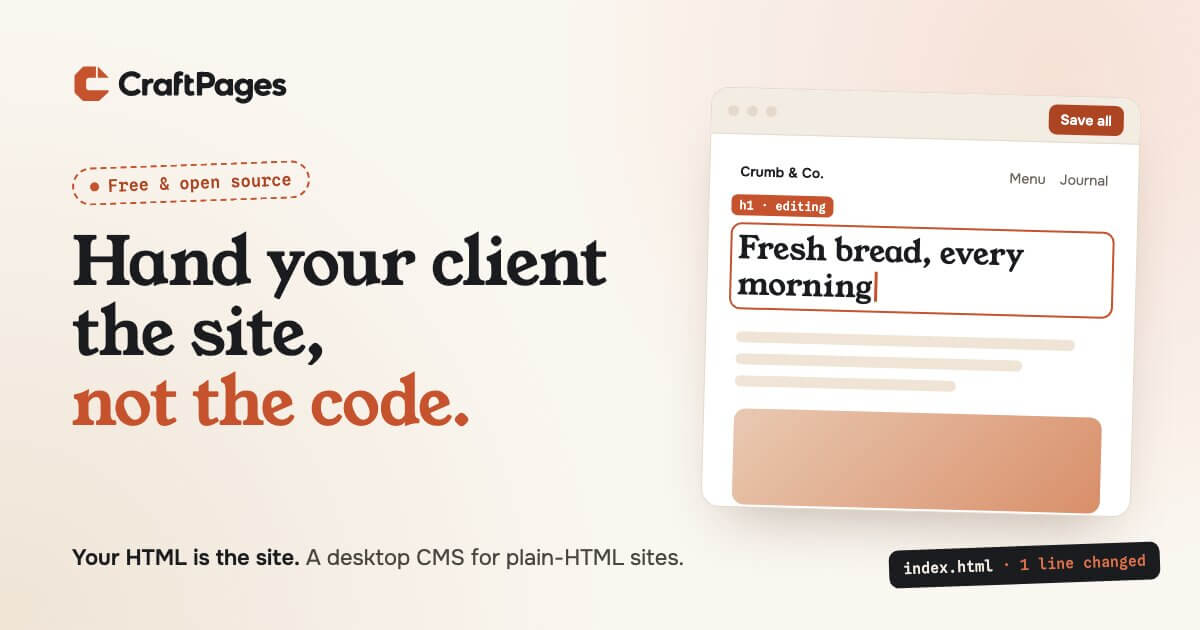
Most tools that let people edit a website start by taking the website away. A CMS imports your pages into a database. A builder converts them into its own format. A git-based CMS wants a generator and a build step. Whatever you hand them, the original files stop being the site, and from then on the tool is.
CraftPages starts from the other end. It opens the folder you already have and edits those files. Your HTML is the site before CraftPages, while you use it, and after you stop.
What "editing the files" actually means
When someone changes a headline in CraftPages, the app finds exactly where that text lives in the HTML file and replaces those characters. Nothing else in the file moves. The indentation, the comments, the odd attribute order you never got around to cleaning up: all of it stays as it was.
So a client's edit to a headline is a one-line diff. If the site lives in git, the history reads like someone made careful, small changes, because that's what happened. If it doesn't, it's still just a folder of HTML that any editor, host or AI can open.
The same goes for everything else CraftPages does:
- Text and images are changed in place. New images are resized and stripped of location data, then saved next to the others.
- SEO fields are the title and meta tags in each page's
<head>, not settings in a database. - Shared parts like the header and footer are found across your pages, and an edit to one updates all of them.
- The blog is built from pages you already have, so posts look like the rest of the site. Every post, the post list, tag pages and the RSS feed are written as plain HTML files.
The app keeps a .sitecms folder for things the site doesn't need to run: undo history, unsaved edits, publish history. Delete it and the site is still complete and correct.
Nothing is written until you say so
Clicking text and typing doesn't touch the files. Edits wait as drafts until someone clicks Save all. Every save can be undone, and any single edited element can be put back on its own. Publishing is a separate step again: CraftPages uploads only the files that changed, to Cloudflare or to any web host over FTP or SFTP, and keeps each publish as a version you can restore.
That's what makes it safe to hand to a client. They can change words, pictures, SEO and blog posts. They can't drag the layout apart, because there's nothing to drag. Structure stays in the HTML and CSS, where you put it.
Why this matters more now
Static sites used to mean "hard to edit". That trade-off is mostly gone, and a few things have made plain HTML more attractive, not less.
It's secure by default. There's no admin panel to log in to, no plugins to patch, no server code to exploit. The live site is files.
It's cheap and fast. Static files host free or nearly free on Cloudflare, and on any shared host you already pay for. They're fast everywhere because there's nothing to compute.
AI is very good at it. A plain-HTML page is the easiest thing for an AI to read and change: what's in the file is what the visitor sees. No framework conventions, no build output to reason about. Plenty of sites are now made this way, and CraftPages lets you keep working with your own AI tool. It proposes a change, you see the diff and a live preview, and you accept or revert it.
The test we hold ourselves to
There's a simple test for whether a tool respects your site: uninstall it. If you're left with something you can't use, the tool was the site.
Uninstall CraftPages and you have the same folder of HTML you started with, plus the edits. No export, no migration, no lock-in. That's the whole idea, and everything in the app has to fit inside it.
Try it
CraftPages is free and open source for macOS, Windows and Linux. Open a site folder, click some text and start typing.