
CraftPages 1.2: forms, sites in several languages, and Claude Desktop
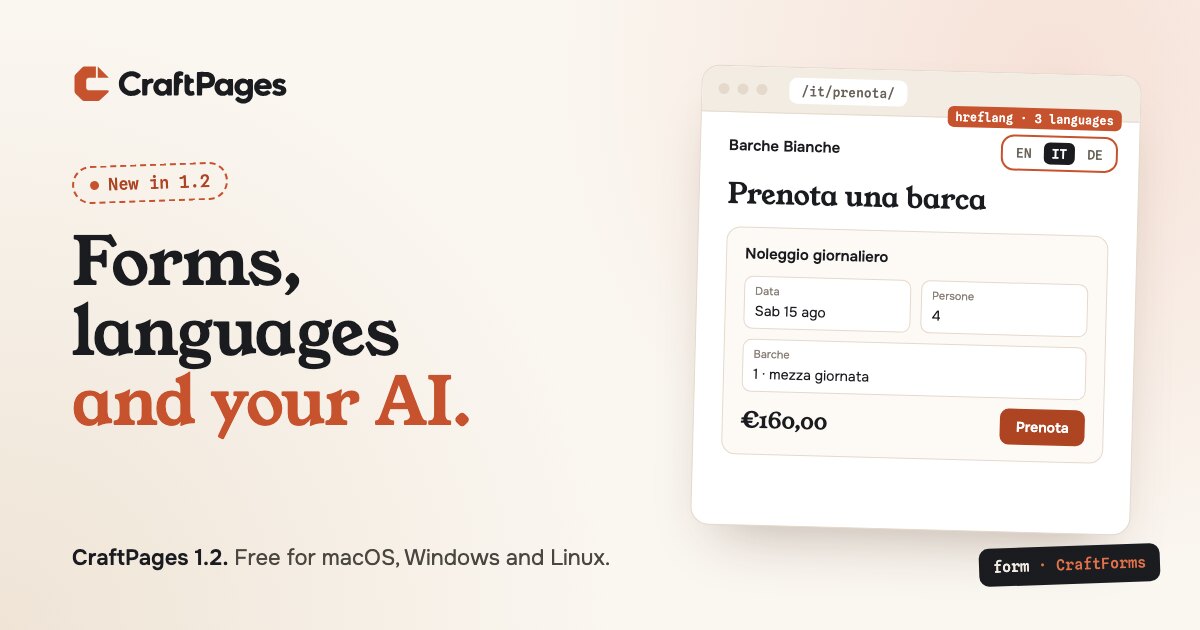
CraftPages 1.2 is out. It brings forms to static sites, sites in several languages, a social image of its own for each post, and two more ways to connect an AI. It also fixes a bug that could make CraftPages forget your API tokens. If you're on 1.1, the app offers the update on its own.
Forms, without a server
A static site has no server to receive a contact form, and that has long been a reason to stay on WordPress. CraftPages 1.2 can add forms from CraftForms, a hosted form service made by the same team. It's optional: CraftPages works the same without it.
Open Forms in the sidebar and connect a free account in your browser. Then:
- Preview any form with your site's own styles. It's the real form, with submissions off.
- Insert in page…: click where the form goes, and CraftPages adds it with its loader script. In a blog post, use the Form block.
- Forms on this site lists every form on your pages, including ones pasted by hand. Swap one for another, or remove it: removing a form gives back the page exactly as it was before.
The connection belongs to the project, so a client's site can use the client's own account. CraftForms' free plan is one form on one website, with unlimited submissions. More in the docs.
Sites in several languages
Each language lives in its own folder of real HTML pages: /about/ in English, /it/about/ in Italian. Whatever is at the root stays the default language, and its addresses never move.
- Project settings → Languages adds a language and copies the pages you choose into its folder, with
langand thehreflanglinks between translations already set. - Pages → Translations shows every page in every language: Needs translation, Translated or Outdated. When the original changes, its translations are marked outdated, and the editor shows what changed.
- Headers, footers and menus are shared per language. Translate the Italian menu once and put it on every Italian page.
- A language switcher goes where you click, as text, flags or both. It's plain HTML, and it keeps itself up to date as pages and languages are added.
- The blog and site search follow along: each language gets its own posts, tags, feed and search index.
Everything that makes it work is in the pages themselves, so it keeps working without CraftPages. Already have language folders made by hand or by an AI? CraftPages detects them, and there's nothing to convert. More in the docs.
A social image for each post
A post can now share a different image than its cover. Share images are cropped to 1200 × 630 when they aren't that shape, and you drag the preview to choose what the crop keeps. Posts and the pages the blog builds get full Open Graph and Twitter card tags, and the SEO check flags share images that are too small or oddly shaped.
Claude Desktop and Codex
CraftPages' AI connection now works with more tools. Codex, Cursor and other MCP clients connect over HTTP. Claude Desktop, which only starts servers as commands, gets a small bridge that ships with CraftPages, so there's nothing else to install. App settings → AI connection shows what to copy for each tool. More in the docs.
Fixes
- Tokens no longer go missing. When CraftPages started, the parts that need your saved tokens (publishing, sync, the AI connection) could read them at the same moment, and one of them could save an empty set over the rest. It happened most often after restarting the computer, and with sync on, it then stopped publishing too. That's fixed. If a connection says it has no token, add it once more in App settings → Deploy connections after updating.
- Sync repairs itself. When the sync Worker doesn't recognise this computer, CraftPages registers it again by itself instead of asking you to set up sync again.
- "Pages ready to publish" catches up after a publish, even if you left the Publish screen while it was running.
Since 1.1
In case you missed 1.1.6: blog posts have Code and Gist blocks, with syntax highlighting that's saved as plain HTML, so published pages load no highlighter. Publishing over FTP also works with storage services that create folders on upload and don't allow renames, such as Bunny Storage.
Get it
CraftPages is free and open source for macOS, Windows and Linux. The full list of changes is on GitHub.